Part of the Educational shelf
Typing game AI game maker
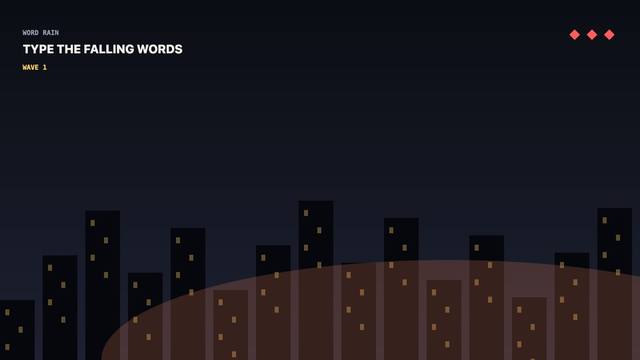
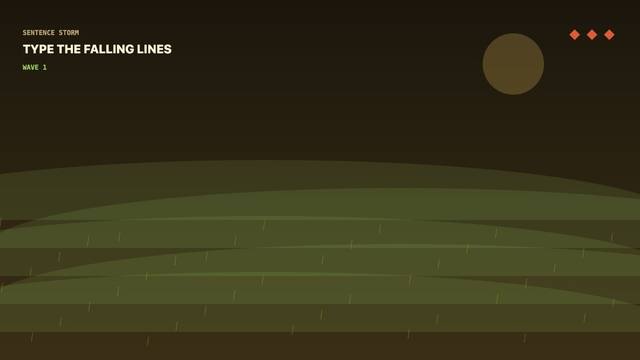
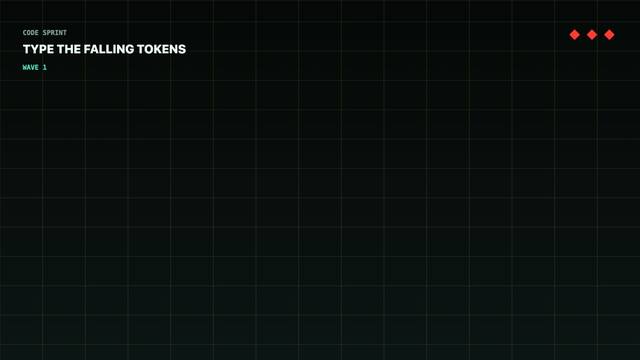
A typing game AI game maker has to make the next character and the cost of a miss legible before it adds a lesson plan. A typing game is a keyboard, a stream of text and a consequence for a miss. This shelf has 3 builds: falling words, drifting sentences and code tokens. Play one before you prompt a drill.
What a typing shelf has to prove
Typing games look simple until the input layer breaks. The player needs to see the next characters, know whether a key registered, and understand what a miss costs. The 3 builds here share a falling-text loop, three lives and a combo counter, then change the text. Words are short and fast; sentences add length and punctuation; code tokens add symbols and case.
The shelf can show whether a prefix highlight, a backspace correction and a combo state are legible. It cannot teach touch typing, grade accuracy over a lesson or adapt to a curriculum. These are keyboard drills with a game layer, not an educational product. The limits section draws that line.
The six parts of a typing drill
Use these checks when the brief depends on keyboard input and a readable miss. They matter less for a story game that happens to use text.
Text you can parse
The next word or phrase should be readable at a glance, with the typed prefix marked. If the player has to hunt for the cursor, the drill is already lost.
A miss with a cost
A wrong key should flash, and a word that reaches the floor should cost a life. The cost is what turns typing into a game.
A correction path
Backspace should remove the last character without resetting the word. A drill that punishes a typo twice is a frustration generator.
A combo that means something
Consecutive correct words should build a combo, and a miss should reset it. The combo is the difference between a drill and a score chase.
Text that changes shape
Words test speed; sentences test rhythm and punctuation; code tests symbols and case. The mode should change the keyboard demand, not just the font.
A wave that escalates
The fall speed or spawn rate should rise after a clean wave. A drill that stays at one speed stops testing the player after the first minute.
The full typing shelf
Browse all Typing Game matches →| Build | Genre | Input |
|---|---|---|
| Type Shift | typing game | keyboard |
| Type Orchard | typing game | keyboard |
| Type Code | typing game | keyboard |
Swipe the table to see input.
Where this shelf stops
- Scoping a falling-text loop with prefix highlighting and a life count.
- Choosing between word speed, sentence rhythm and code symbols before adding art.
- Checking whether a miss and a correction are legible in the first minute.
- Teaching touch typing or grading accuracy over a structured lesson.
- Adapting difficulty to a player's error history or a curriculum.
- Claiming a mobile-first layout; the builds are keyboard-first.
- Three typing builds with a shared falling-text loop.
- A combo counter and three lives.
- No lessons, no curriculum and no touch keyboard.
What a typing tool page promises
Tool pages sell a curriculum, a words-per-minute score and a progress chart. This shelf sells three keyboard drills you can open now, with a combo counter and no lesson plan.
| Part | Tool pages promise | What this shelf gives you |
|---|---|---|
| Curriculum | Lessons, finger charts and progress tracking. | No lessons. Three arcade drills with falling text. |
| Scoring | WPM, accuracy and a history graph. | A live score and combo; no saved history. |
| Text | Custom word lists and grade-level passages. | Built-in words, sentences or code tokens. |
| Input | Desktop and mobile keyboards. | Physical keyboard; the layout is keyboard-first. |
Swipe the table to read all three columns.
How matching works
The matcher starts with “typing game” and returns the closest playable build on this shelf. Read the matching method → Not sure which shelf fits?Open the genre map →
Three text streams, three demands
Start with speed
Type Shift uses short words, so the drill is pace and rhythm. Use it to check whether the prefix highlight and the floor are readable before sentences add punctuation.
Play the build →Then test the symbols
Type Code replaces prose with tokens, brackets and case. It is the honest test of whether the input layer can handle something other than English words.
Play the build →Typing Game questions
Is this a touch-typing course?
No. The 3 builds are arcade drills with falling text. They do not teach finger placement, grade accuracy or store a lesson history. A typing game generator would need a curriculum; this shelf is a set of arcade drills. It is a drill, not a lesson.
Do I need a physical keyboard?
Yes. The builds are keyboard-first. A phone or tablet can load the page, but the game expects character keys and Backspace. A tablet with a keyboard case can work, but the on-screen keyboard will cover the falling text. Use a desk for the first run.
What is the difference between the three modes?
Type Shift uses short words, Type Orchard uses sentences and punctuation, and Type Code uses code tokens with symbols and case. Words test speed, sentences test punctuation and rhythm, and code tokens test symbols and case. Start with short words.
What happens when a word reaches the floor?
You lose one of three lives. A wrong character flashes but does not immediately cost a life; the miss is the word reaching the bottom. A wrong key only flashes the character; the life is lost when the whole word hits the bottom.
Can I correct a typo?
Yes. Backspace removes the last character in the current buffer. It does not reset the word or the combo. Backspace edits the current word, but it does not restore a life or reset the combo. Fix the word before it lands.
Why only three games?
Three text streams are enough to compare word speed, sentence rhythm and code symbols. The page stays noindex until a fourth typing build is added. Three text streams are enough to decide what you would ask for when you make a typing game with AI.
Sources and definitions
- Wikipedia: Typing gameTyping-game formats and history.
- Wikipedia: Touch typingKeyboard-skill context; this shelf is not a course.