Part of the Simulation shelf
Flight Sim AI game maker
A flight sim AI game maker has to make arcade flight and glider legible before it adds features. Flight is a camera problem before it is a simulation problem. This shelf has 21 builds: arcade gliders, canyon runs, orbit hops and three 3D flights. Play the first turn before you ask a model to invent a cockpit.
What a flight shelf has to prove
The player needs to know where the ground is, where the next gate is and how much room the turn requires. The builds here solve that with different cameras: a side-on glider, a chase view, a cockpit-like frame or a top-down orbit. The shared question is whether the horizon stays readable while the speed changes.
A shelf can show whether the controls are legible and whether a crash feels like a pilot error. It cannot show a full instrument panel, weather simulation, air-traffic systems or a study-level flight model. Those are simulation depth questions, not prompt settings.
Start with these builds
6 REAL BUILDS · NOT MOCKUPS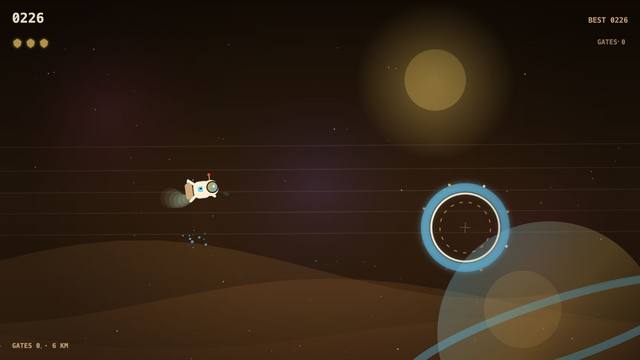
Desert Wing
2DHold to glide across hard blue sky and let go to drop, keeping your line above the dunes.
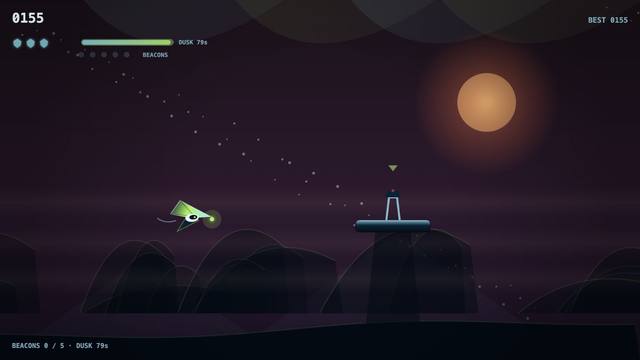
Aurora Glide
2DHold to lift through aurora light, release to fall, and steer past gates toward beacon checkpoints before the line breaks.
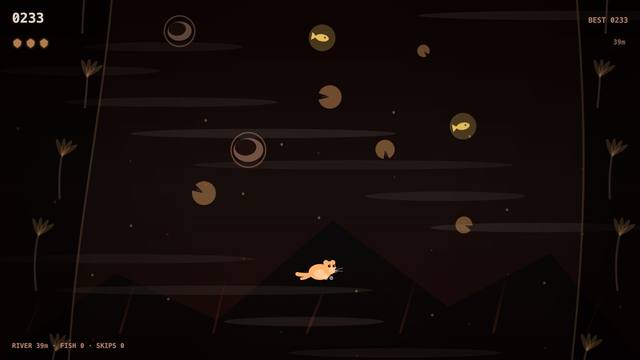
Ember Wing
2DGuide a glider over a lava river, holding to rise and releasing to drop through gates before the next gate slips past.
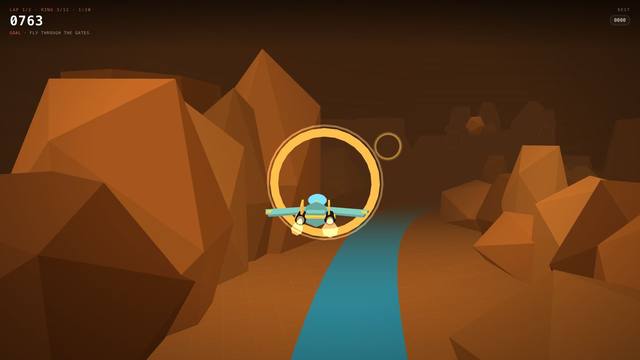
Canyon Glide
3DThread glowing rings between sun-bleached canyon walls at speed, where one mishandled obstacle costs the run.
Orbit Runner
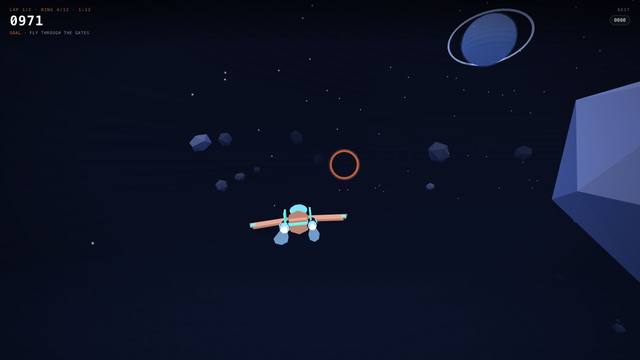
3DHold a fast line through neon orbital rings while cold starfields and floating obstacles crowd the gap.
Tiny Orbit
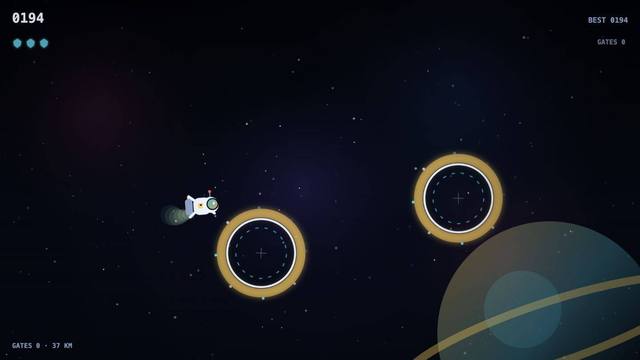
2DHold to rise, release to sink, and thread the orbital gates without clipping a ring.
The six parts of a flight loop
Use these checks when the brief is an arcade flight game. They matter less for a study-level simulator where the instrument panel is the point.
A readable horizon
The player needs a stable line between sky and ground. A camera that rolls with every input turns a gentle turn into disorientation.
A turn with a radius
Flight feels different from driving because the turn continues. The build needs to show the arc before the player commits.
A speed you can read
The ground texture and the gate spacing should communicate speed. A number in the corner is not enough at a glance.
A crash you can explain
The player should know which input caused the crash. A silent reset teaches nothing.
A camera with a job
Chase, cockpit or side-on: the camera should answer a question. A cinematic angle that hides the next gate is a liability.
A landing or finish
The loop needs an end state: a runway, a gate, a dock or a score. Without one, the flight is just a toy camera.
The full flight sim shelf
Browse all Flight Sim matches →| Build | Genre | Input |
|---|---|---|
| Desert Wing | glider | keyboard or touch |
| Aurora Glide | arcade flight | keyboard or touch |
| Ember Wing | arcade glider | keyboard or touch |
| Canyon Glide | arcade flight | keyboard or touch |
| Orbit Runner | arcade flight | keyboard or touch |
| Tiny Orbit | arcade flight | keyboard or touch |
| Sky Canvas | sky glider arcade | keyboard or touch |
| Beacon Ridge | arcade flight | keyboard or touch |
| Rain Glide | arcade flight | keyboard or touch |
| Ruin Wing | arcade glider | keyboard or touch |
| Confetti Glide | one-button arcade | keyboard or touch |
| Canyon Wind | flight arcade | keyboard or touch |
| Cloud Drift | arcade glider | keyboard or touch |
| Reef Flight | arcade flight | keyboard or touch |
| Orrery | space sim | keyboard or touch |
| Sunset Airmail | flight | keyboard or touch |
| Evening Post | flight | keyboard or touch |
| Chimney Run | arcade flight | keyboard or touch |
| Spillway | flight | keyboard or touch |
| Ridgewing | flight | keyboard or touch |
| Airmail 1928 | flight | keyboard or touch |
Swipe the table to see input.
Where an AI flight sim game generator stops
- Scoping a first arcade flight build around one camera and one turn.
- Comparing glider, canyon and orbit structures.
- Testing whether a crash is legible.
- Building a study-level cockpit with working instruments.
- Simulating weather, air traffic or a full flight model.
- Proving long-haul route content without a production team.
- Twenty-one short browser flights with visible gates and restarts.
- No joystick calibration, cockpit systems or flight planning.
- No claim that any build is a study-level simulator.
What flight sim tool pages promise
Flight tools usually promise a cockpit from a prompt. This shelf shows what the camera, the turn and the crash actually do in a short browser build.
| Part | Tool pages promise | What this shelf gives you |
|---|---|---|
| Flight model | A prompt can request realism or arcade handling. | Each build has a fixed handling model you can test. |
| Camera | Often described, rarely playable before generation. | You can switch views and judge whether the horizon holds. |
| World size | Generation can suggest a large map. | Each build is a short route, not a continent. |
| Full game | A tool may promise a complete simulator. | These are arcade flights and prototypes, not study-level sims. |
Swipe the table to read all three columns.
How matching works
The matcher starts with “flight glider arcade flying” and returns the closest playable build on this shelf. Read the matching method → Not sure which shelf fits?Open the genre map →
Flight Sim questions
What counts as a flight sim game here?
Arcade flight, glider, 3D canyon, orbit — 21 builds in total. Twenty-one short browser flights with visible gates and restarts. No joystick calibration, cockpit systems or flight planning. The player needs to know where the ground is, where the next gate is and how much room the turn…
What is a flight sim AI game maker?
It is a shelf, not a generator. A shelf can show whether the controls are legible and whether a crash feels like a pilot error. Each build has a fixed handling model you can test. The matcher reads your brief and returns one build, so you can play the loop before you commission it.
Can I make a flight sim game with AI?
You can brief one, but this page cannot generate it. Start with Desert Wing: A side-on glider that keeps the horizon level while the turn continues. Then write a spec; the part a model must prove is building a study-level cockpit with working instruments.
Is there a flight sim game generator?
Not on this site. Tool pages promise: “A prompt can request realism or arcade handling.” This shelf answers: “Each build has a fixed handling model you can test.” A generator can produce code or assets, but the hard part is simulating weather, air traffic or a full flight model. Compare Desert Wing and Canyon Glide first.
Are these flight sim games free?
Yes. All 21 builds run in the browser with no download and no signup; input is keyboard or touch. The shelf is for scoping a first arcade flight build around one camera and one turn. Paid remix and export are not open yet, so play Desert Wing before you commission one.
Do browser flight sim games work on a phone?
Most do. Input is keyboard or touch. No joystick calibration, cockpit systems or flight planning. Desert Wing is the first build to try; Canyon Glide is easier on a larger screen. Each game page lists controls before you start, so test on the device you will use.
Which flight sim games should I play first?
Start with Desert Wing: A side-on glider that keeps the horizon level while the turn continues. Then Canyon Glide: A 3D canyon run where the clipped wall is marked before the restart. Aurora Glide adds a third pressure. Two builds are enough to feel the range before you brief a model.
Sources and definitions
- Flight simulatorGenre context for simulation depth and arcade flight.
- GliderThe unpowered flight model behind several builds.